
Vector Explainer
Create polished full-bleed 2D vector explainer videos — thick outlines, flat fills, and story-specific environments (not whiteboard white canvas). Optionally lock a character for consistency, or generate without a cast. Choose Vector Explainer when creating a video (portal flag required).
What you get
- Full-bleed scenes with Ken Burns motion, or higher-credit video animation
- Black & white or full color illustration style
- Optional built-in / uploaded character, or continue with no character
- Text-on-images off by default; when on, prompts use exact quoted labels
Make it from Claude or ChatGPT (MCP)
Connect the Cliptude MCP server (https://mcp.cliptude.com/mcp) to Claude, ChatGPT or another agent and
ask for the video in plain words. In Claude and ChatGPT, Cliptude's tools open pickers and cards inside the chat.
This is the order the agent follows:
- Your templates first.
list_templatesshows your saved templates as a gallery. Pick one. - No template fits? The agent builds one with the pickers, one at a time:
voice, then the character (
list_vector_characters), then music, background and illustration style. - Type next. In Claude a click saves your pick and the picker says
"Saved. Type next in the chat to continue." Type
nextand the agent reads it. In ChatGPT the pick is sent as your next message. - Script. The agent researches the topic, writes the script and lets you read it.
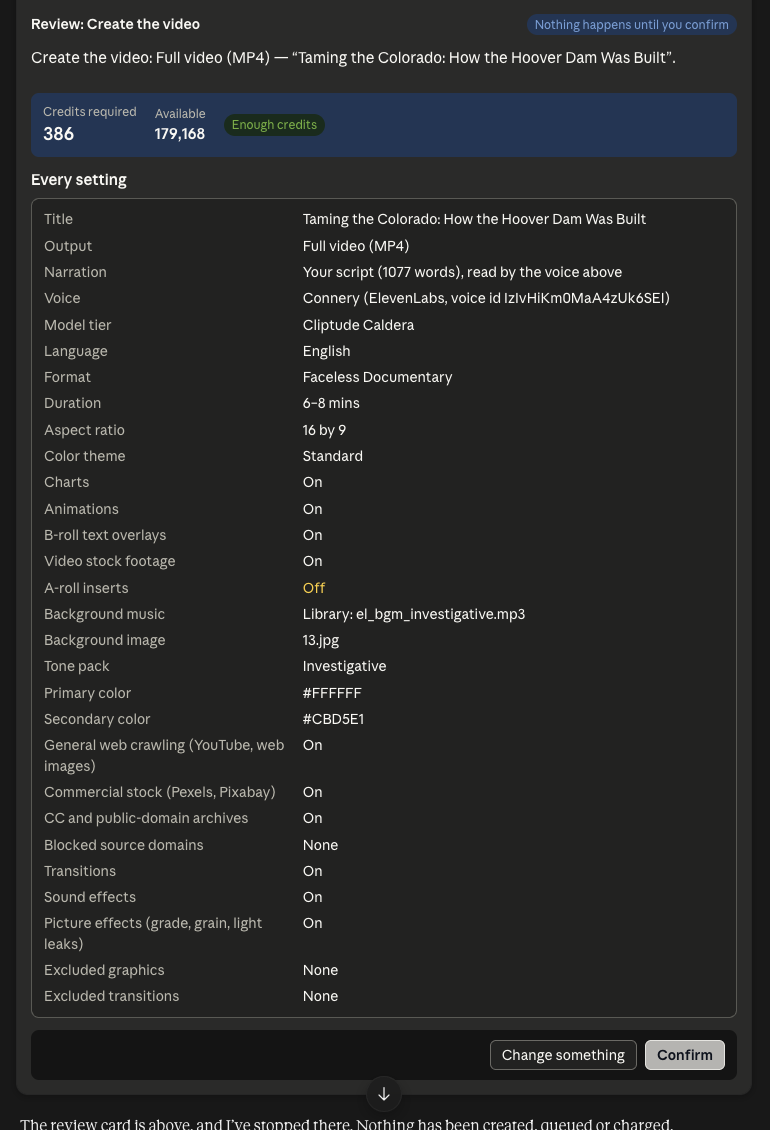
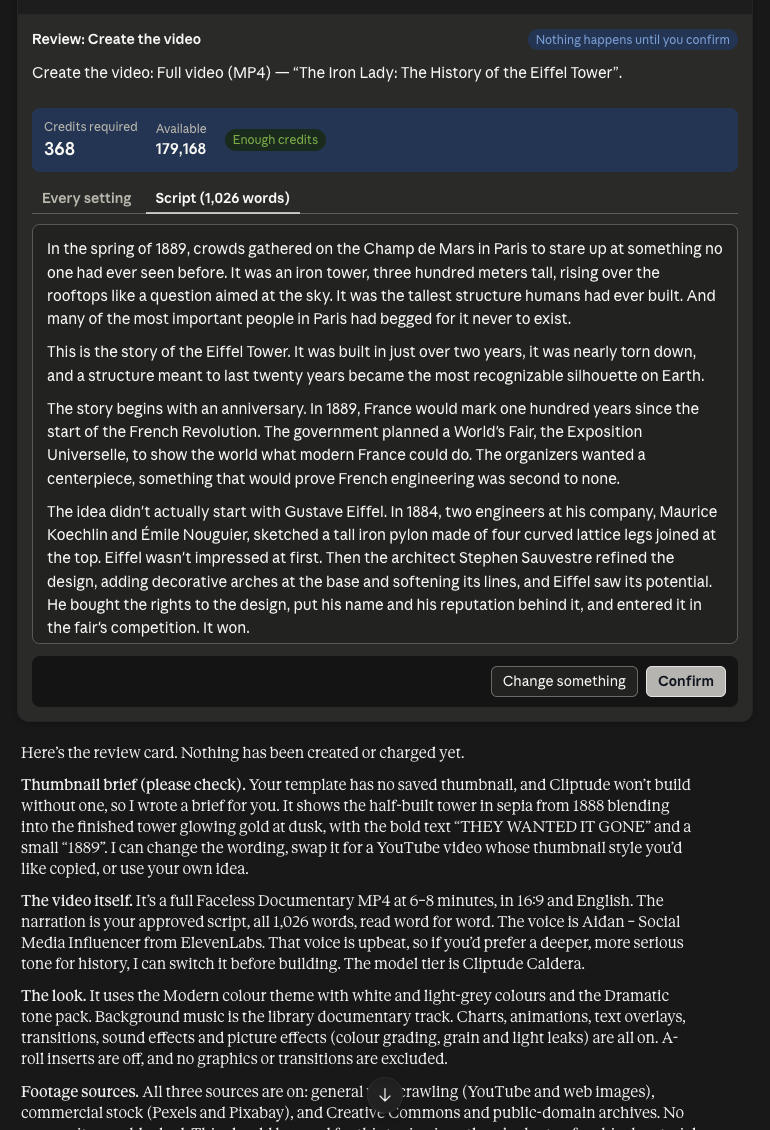
- Review card. Every setting, any warnings, a checkbox for anything you turned off, and the credits, with an Every setting tab and a Script (N words) tab. Nothing is built or charged until you click Confirm.
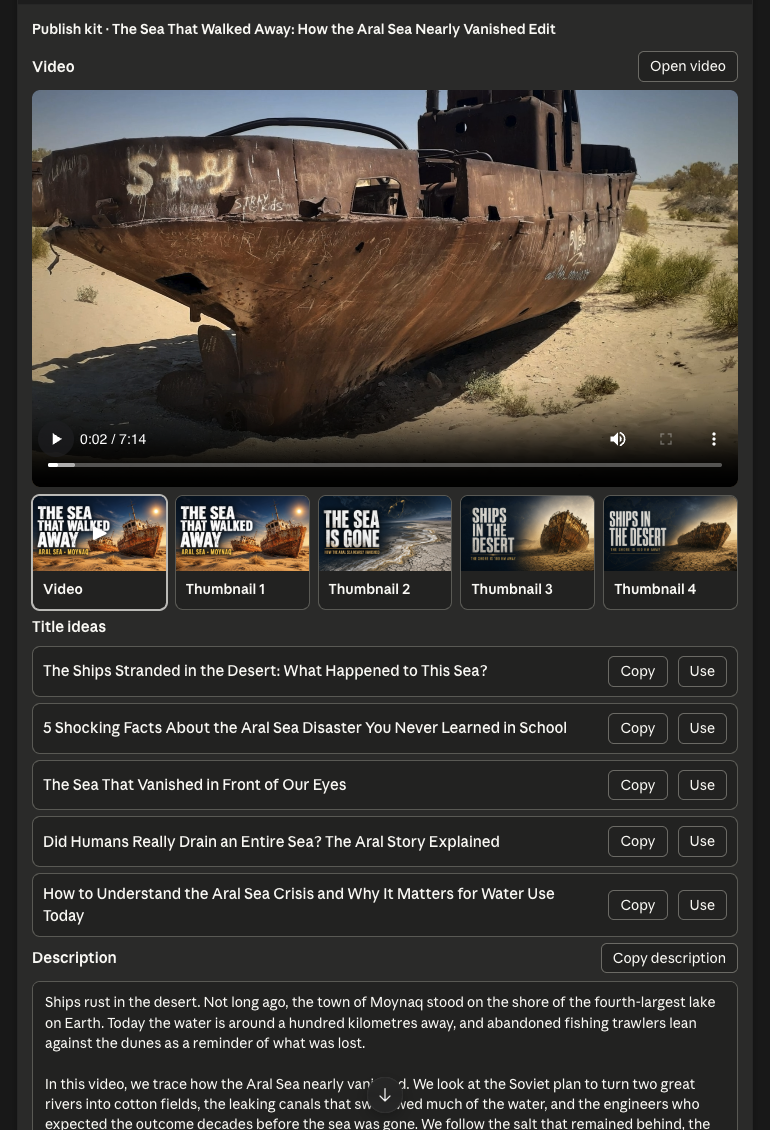
- Job card, then the publish kit. A job card shows progress and, when the job waits for it, the script to approve. When the video is ready, the publish kit plays it and gives you thumbnails, titles, a description, chapters and tags to copy.
Make me a 10-minute Vector Explainer about [topic]. Show me my saved templates first and let me pick one. If none fits, set one up with me using Cliptude's pickers, one at a time (voice, then the character, then music, background and style). Write the script, let me read it, and show me the review card before you build anything. Show me the publish kit when the video is ready.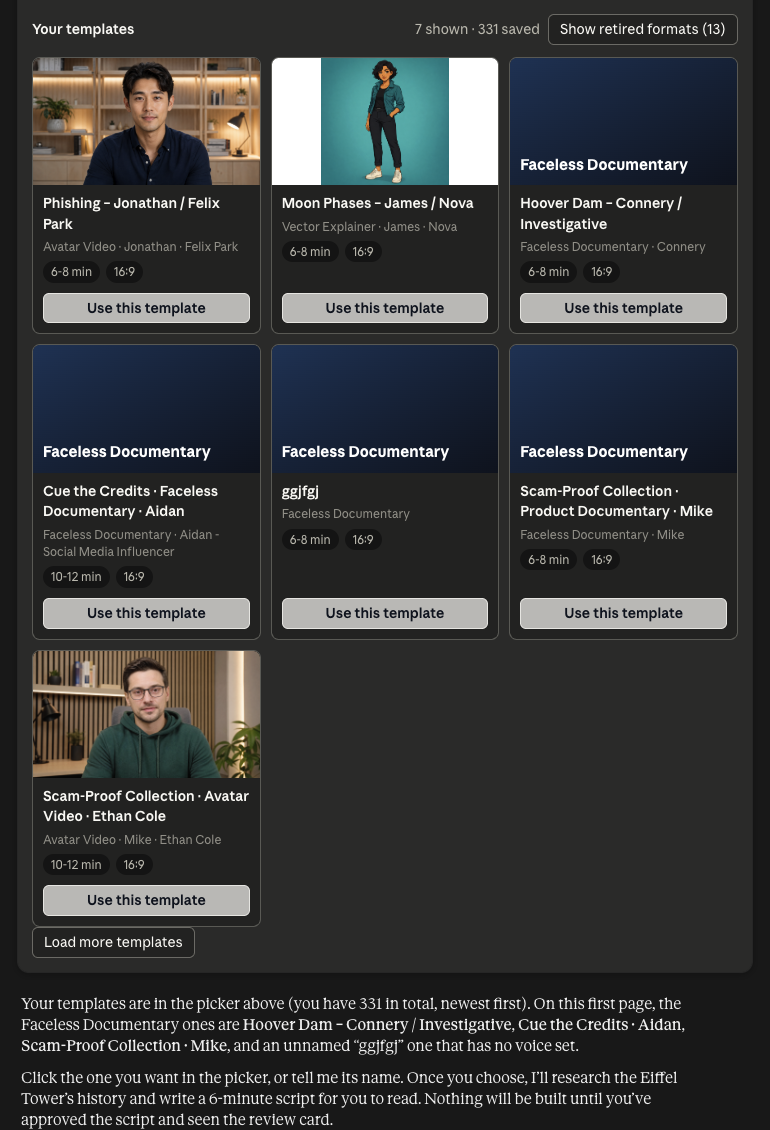
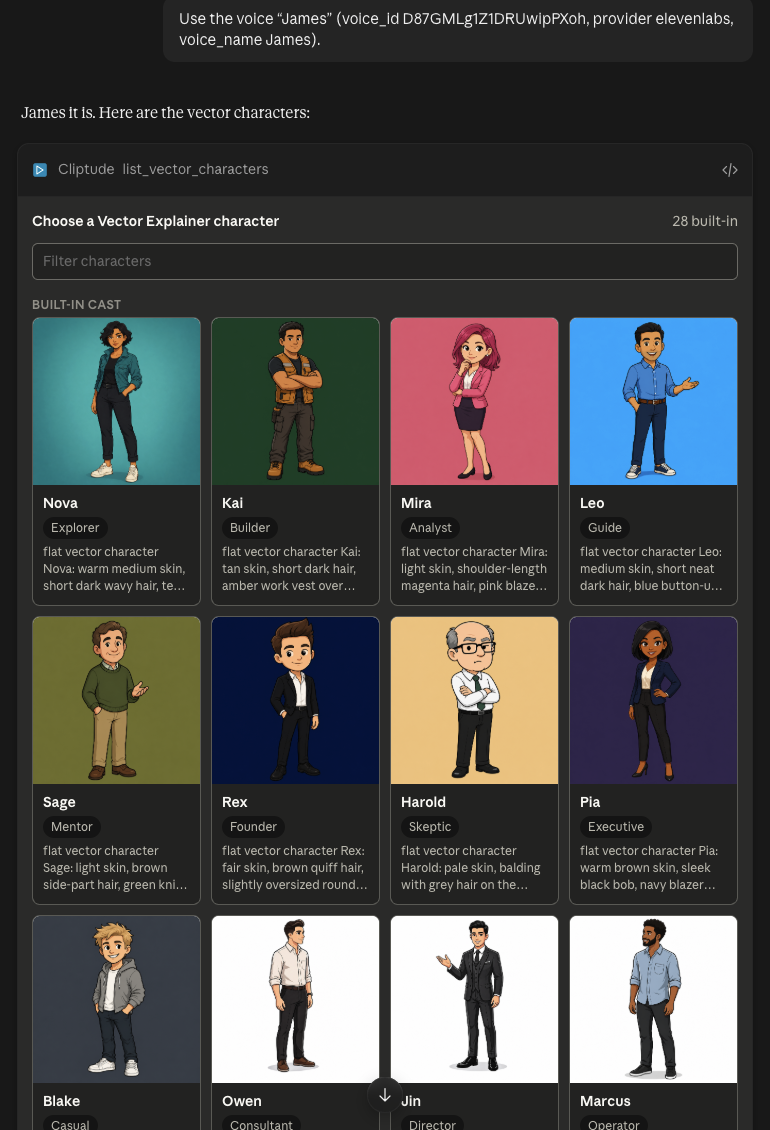
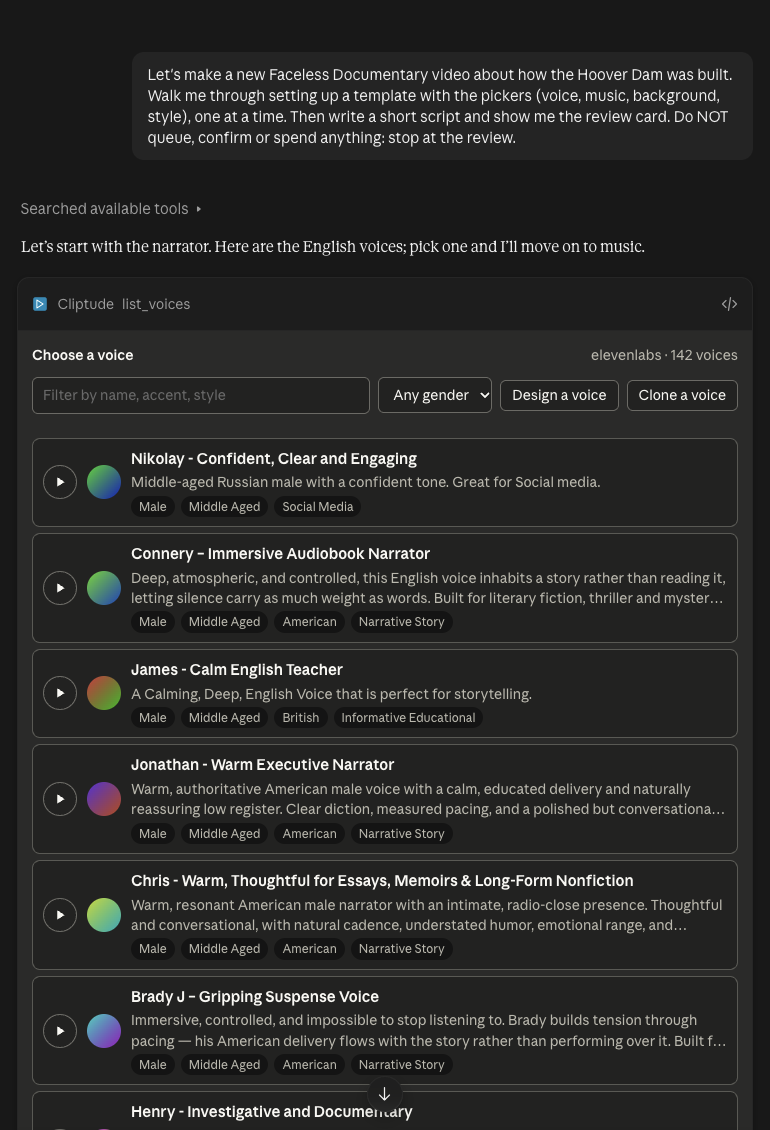
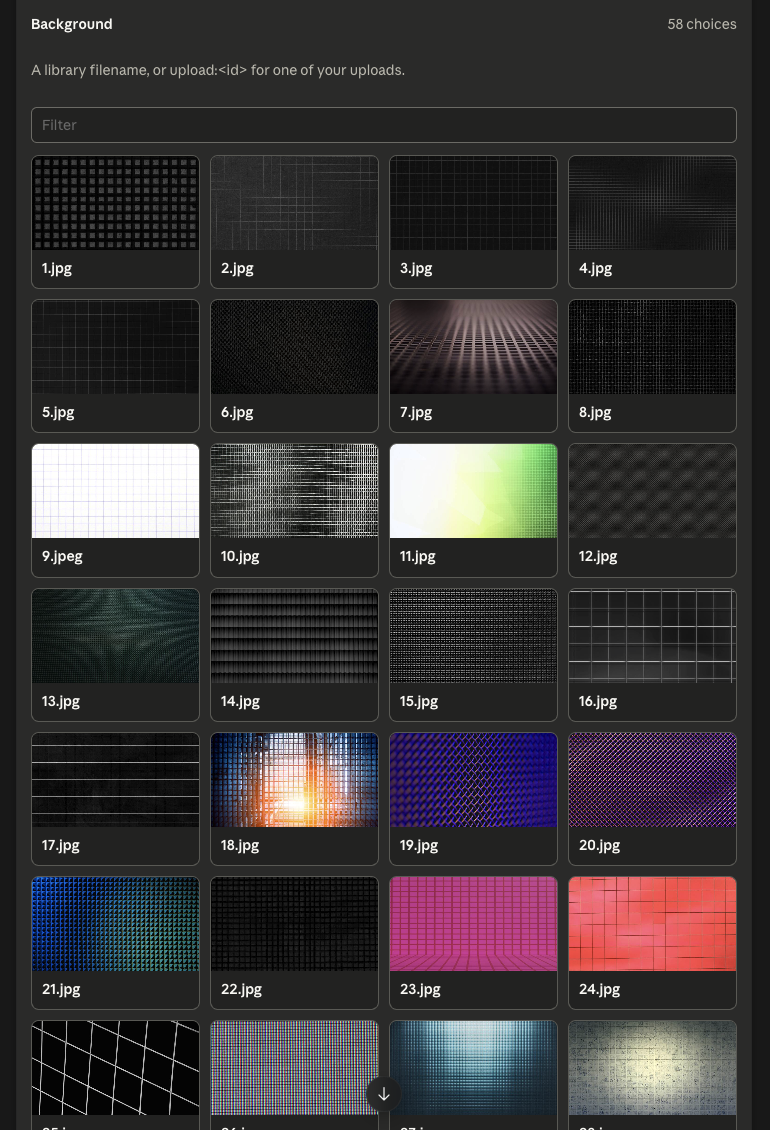
Claude Code, Codex, Cursor and other agents that show no widgets give you a cliptude.com/pick link with the same
picker instead. It works once, for 15 minutes, and only
for you when you are signed in. The agent reads the result with get_pick. From a terminal:
cliptude pick <pick_id> --url <link> opens it and waits.
Setup for each agent: Claude, ChatGPT, Claude Code, or any other MCP agent.
Credits
Stills + Ken Burns use the normal generation tier rate (Cinder = 40 credits/min). Video animation uses the video table (Cinder = 138 credits/min at 720p).
Create-page estimates use the tier rate; the thumbnail step updates the estimate after you choose reveal mode.
Minutes of Vector Explainer per plan
Approximate finished-video minutes if you spent the full monthly credit balance on Vector Explainer alone at Cinder.
| Plan | Credits | Ken Burns stills | Video animation |
|---|---|---|---|
| Starter | 1,050 | ~26 min | ~8 min |
| Lite | 2,000 | ~50 min | ~14 min |
| Creator | 6,000 | ~150 min | ~43 min |
| Pro | 18,000 | ~450 min | ~130 min |
| Scale | 50,000 | ~1,250 min | ~362 min |
Ken Burns uses ~40 credits/min. Video animation uses ~138 credits/min at 720p. Always check the on-screen estimate before you generate. See Credits System and Pricing & Plans.
Wizard
- Character (library, upload, or No character)
- Style (Ken Burns / Video, B&W / Color, captions, text on images)
- Model → script (if needed) → voice → music → thumbnail → generate