
Background Music Selection
The Background Music screen lets you add optional underscore music under the voiceover, or leave the bed silent. It appears after you pick a background image (and, on Faceless Documentary, after Choose a look). In the default Faceless Documentary wizard the next step is Visual Enhancements — not Visual Theme. Classic Documentary / Top 10 B-roll still go to Visual Theme after music.
Prerequisite
Cliptude only opens this step after a background image is saved. If you try to skip ahead without one, you are redirected back to Select Background with a reminder to choose an image first.
Music source
Pick exactly one of three modes:
None (default)
No background music is mixed into the final render. Any previously chosen library track or upload is cleared when you save with this option.
Choose from library
Browse Cliptude's built-in music library. Use play to preview a track, then Select (or double-click a row) to assign it. You must pick a real library filename before continuing — random text in the picker is rejected.
If the server has no library files configured, the list may be empty until tracks are added.
Upload my own music
Only .mp3 and .wav uploads are accepted. Invalid extensions show an error and do not replace your previous upload. You can preview the chosen file in the browser at the current volume before submitting.
Music volume
A slider from 0% to 100% sets how loud the bed sits under narration. Values are clamped to a safe range server-side so the mix stays predictable.
Shorter than the video?
If the music file is shorter than the rendered duration, Cliptude loops it automatically so the bed continues under the full timeline.
Copyright: The wizard reminds you to upload only music you have the rights to use. Unauthorized commercial tracks can trigger platform claims (for example on YouTube).
Choose music from Claude or ChatGPT (MCP)
Connect the Cliptude MCP server (https://mcp.cliptude.com/mcp) and ask your agent to choose the music.
In Claude and ChatGPT, show_choices opens the music picker inside the chat: play each track and click
the one you want. The pick goes into the template, so every video made from it uses that track.
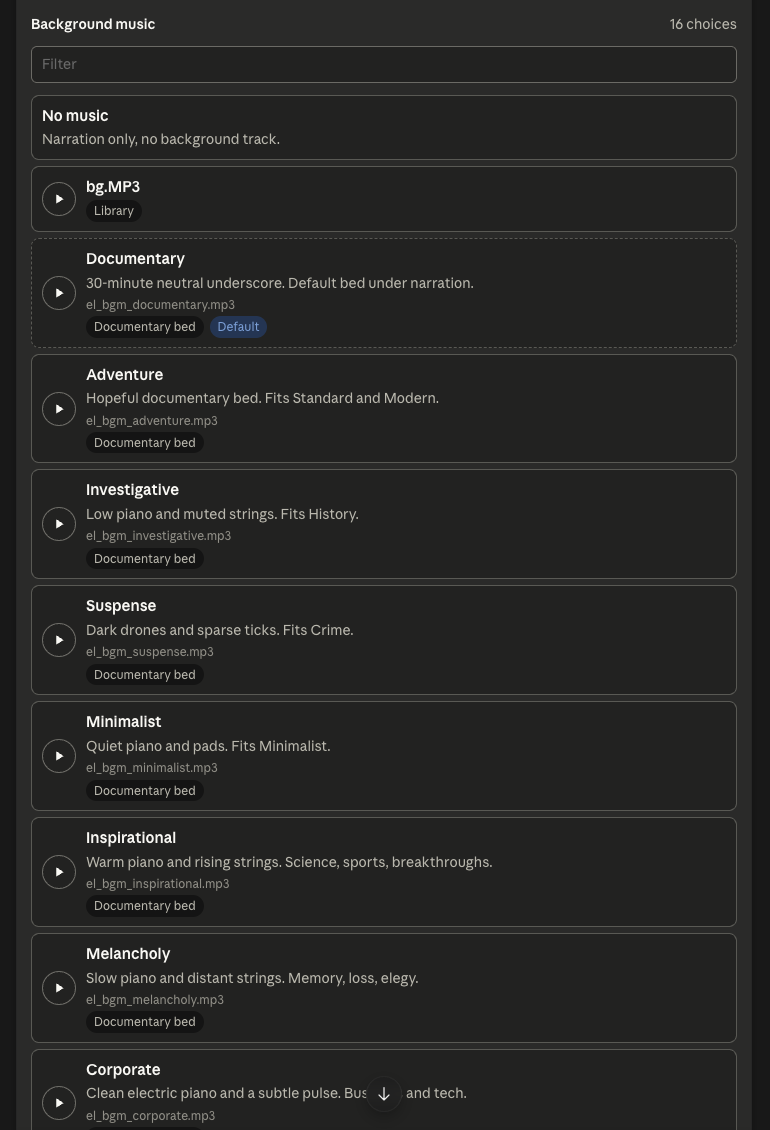
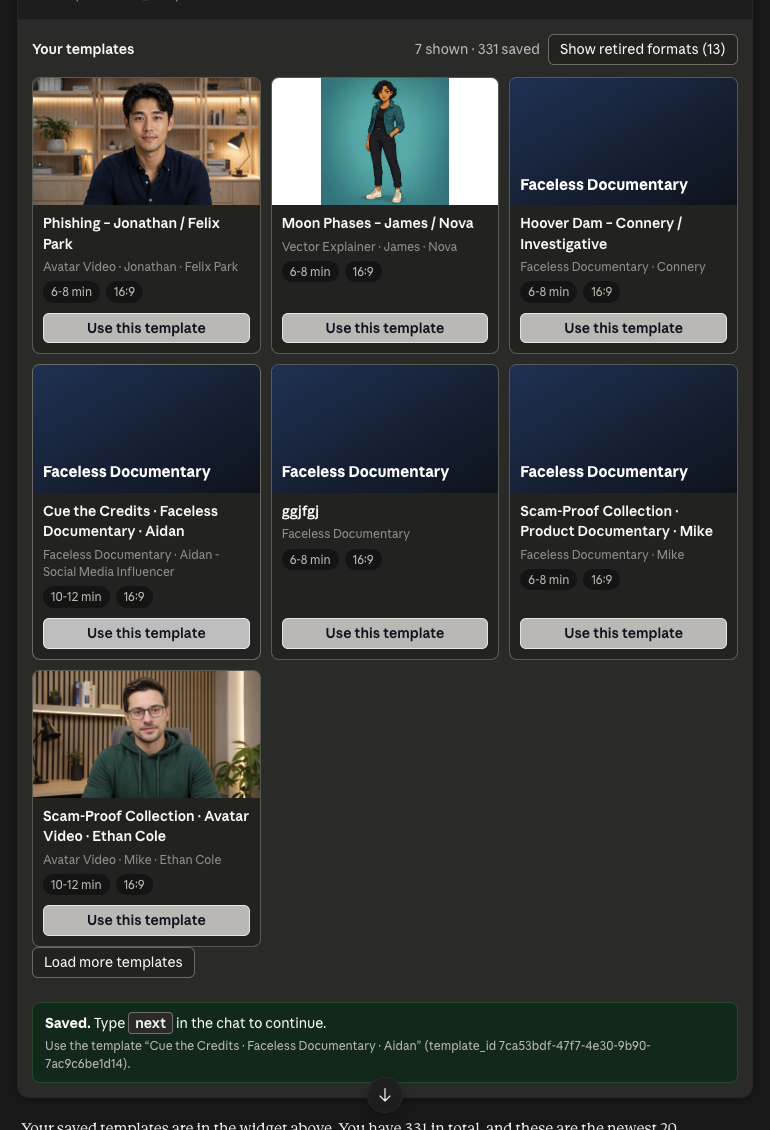
In Claude a click saves your pick on Cliptude and the picker says "Saved. Type next in the chat to continue."
Type next and the agent carries on with it. In ChatGPT the pick is sent as your next message.
Claude Code, Codex, Cursor and other agents that show no widgets give you a cliptude.com/pick link with the same
picker instead. It works once, for 15 minutes, and only
for you when you are signed in. The agent reads the result with get_pick. From a terminal:
cliptude pick <pick_id> --url <link> opens it and waits.
Setup for each agent: Claude, ChatGPT, Claude Code, or any other MCP agent.
Related
Background music is mixed during final assembly with voiceover and other audio. For editing or export after generation, see Project Export and Using the Editor.